Smart Locks and Biometric Locks for Montgomery Homeowners
Smart locks and biometric locks give Montgomery homeowners more control over who enters their homes. A residential locksmith in Montgomery can help you choose a system that fits your door, install it correctly, and show you how to manage access without relying only on traditional keys.
Keys get lost. They get copied without your knowledge. They also get left under doormats, passed to contractors, or forgotten in a teenager’s backpack.
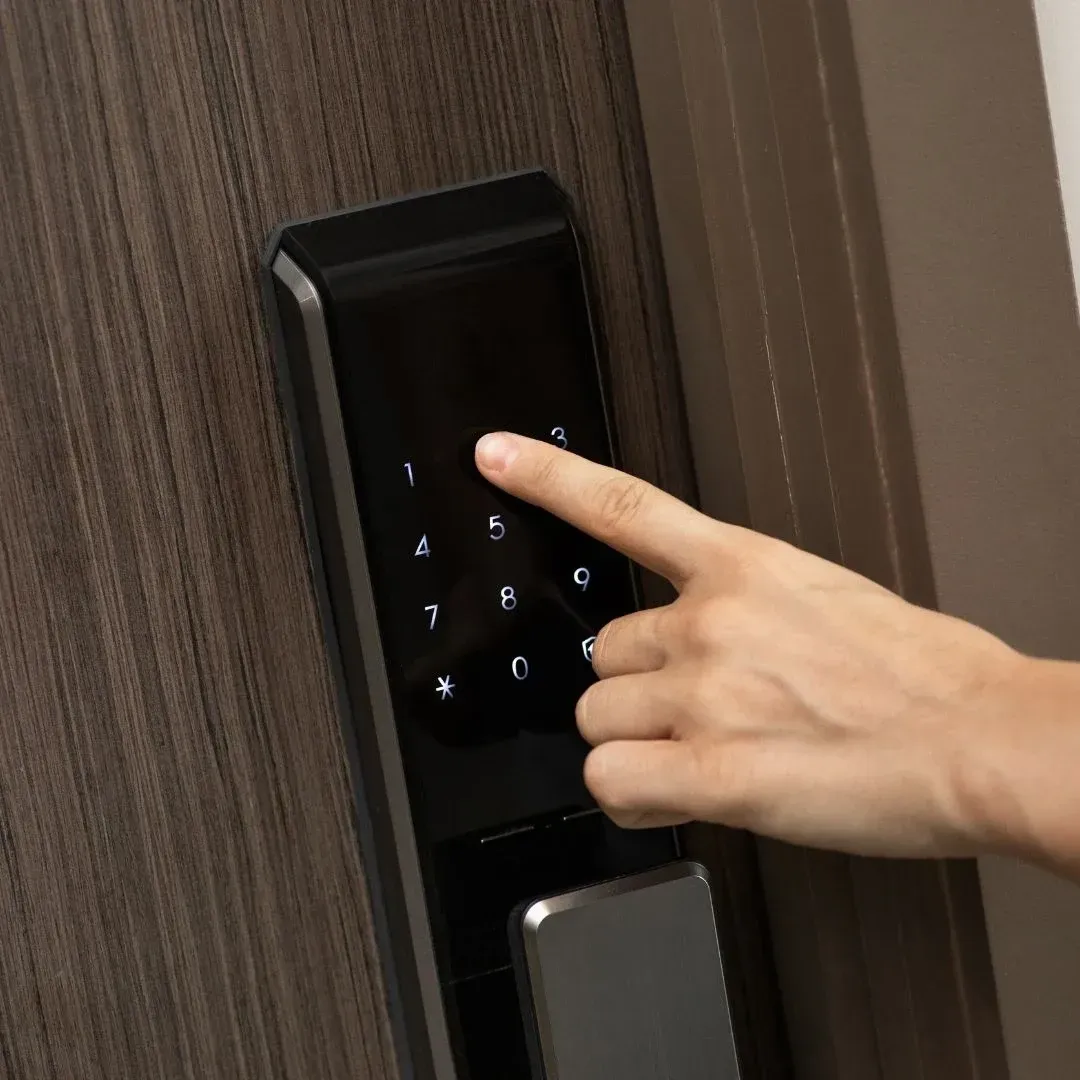
Smart locks solve many of those everyday problems by letting you use a
PIN, phone, fingerprint, key fob, or another digital credential. The best choice depends on your door, family routine, security goals, and comfort with connected technology.
Why Are More Homeowners Moving Beyond Traditional Keys?
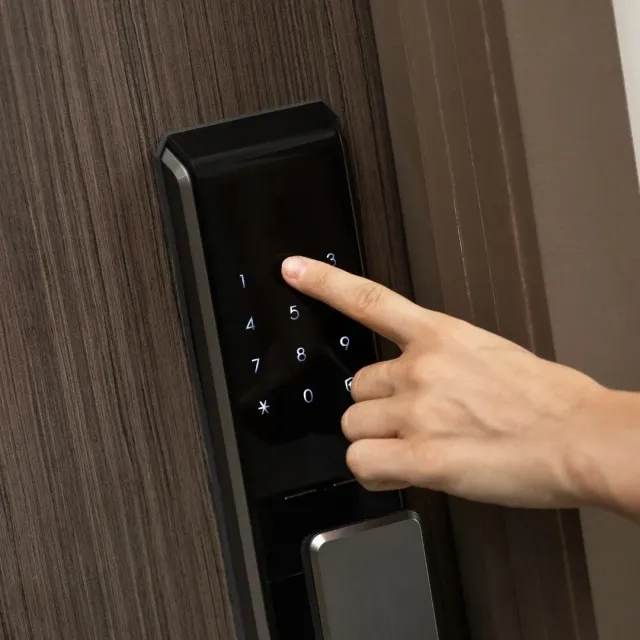
Smart locks make access easier to control. Instead of making another key, you can create a separate code for a family member, guest, cleaner, or contractor.
You might give a house sitter a temporary code while you are away, then remove it when you return. Parents can also give each child a personal code and receive an alert when the door opens, depending on the model.
Common benefits include:
- Keyless entry
- Temporary or scheduled codes
- Automatic locking
- Entry notifications
- Remote access on supported models
- Backup entry when batteries run low
These features add convenience, but
they do not replace good physical security. A smart deadbolt still needs a
strong strike plate, stable frame, and smooth alignment. You can learn more about how
smart locks improve home security.
Smart Locks and Biometric Locks: What Is the Difference?
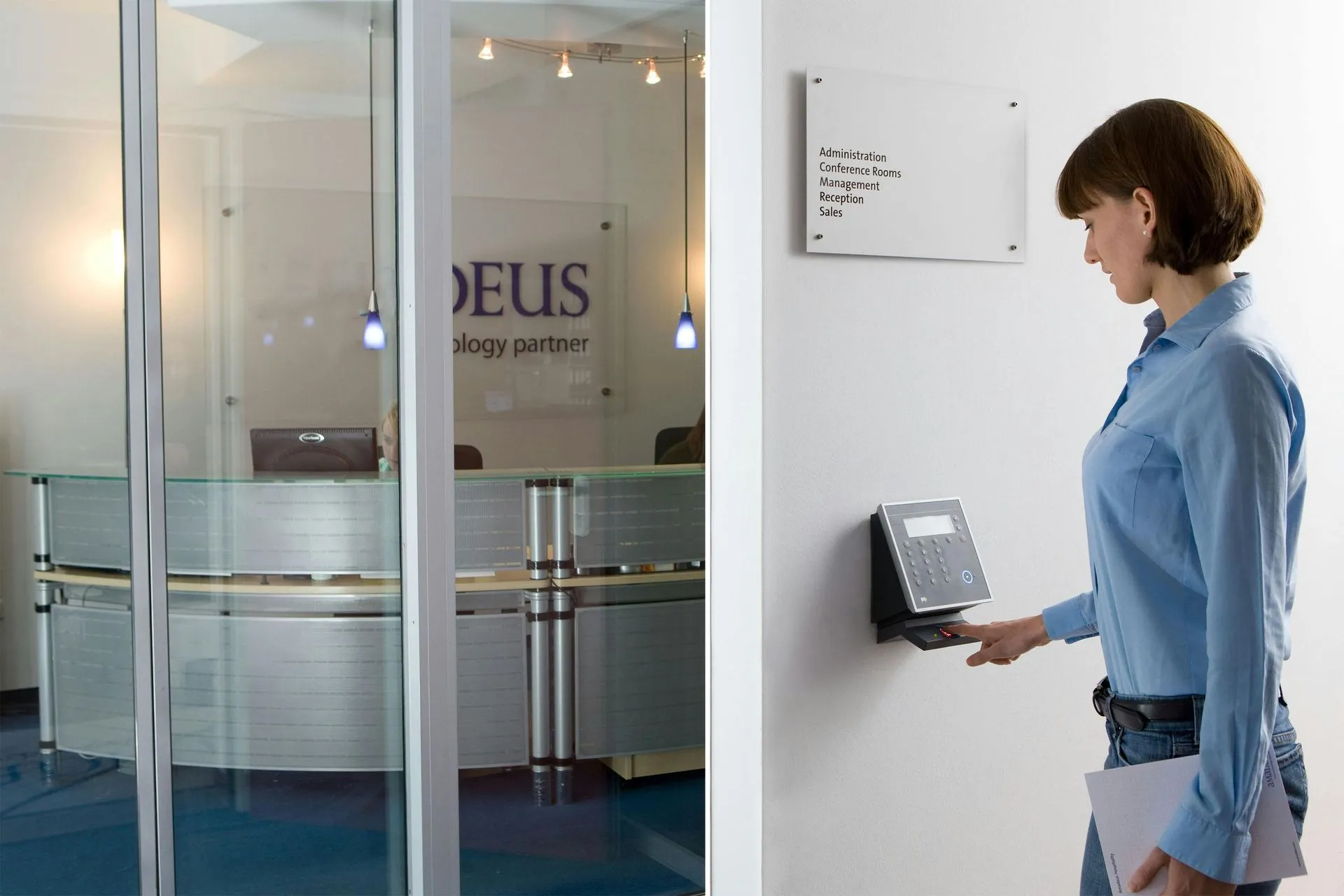
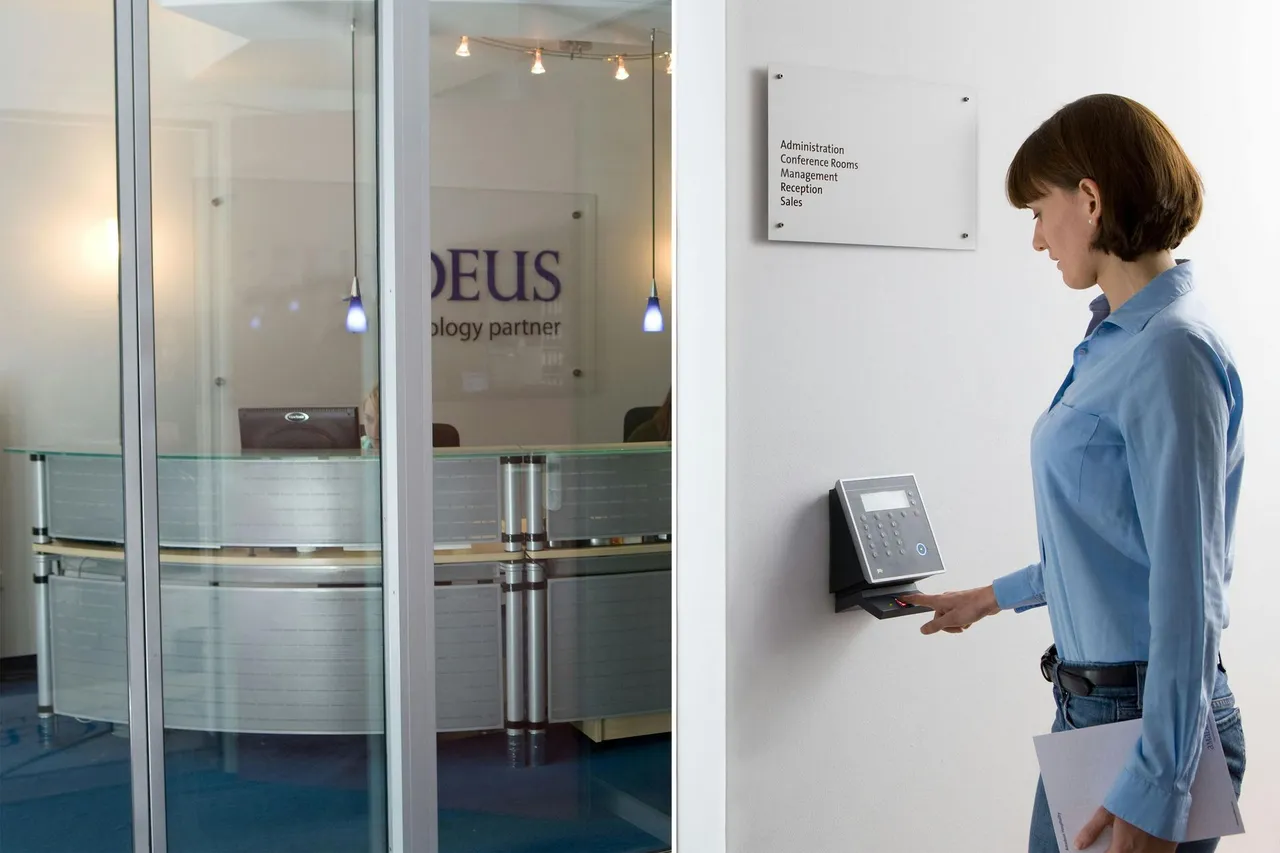
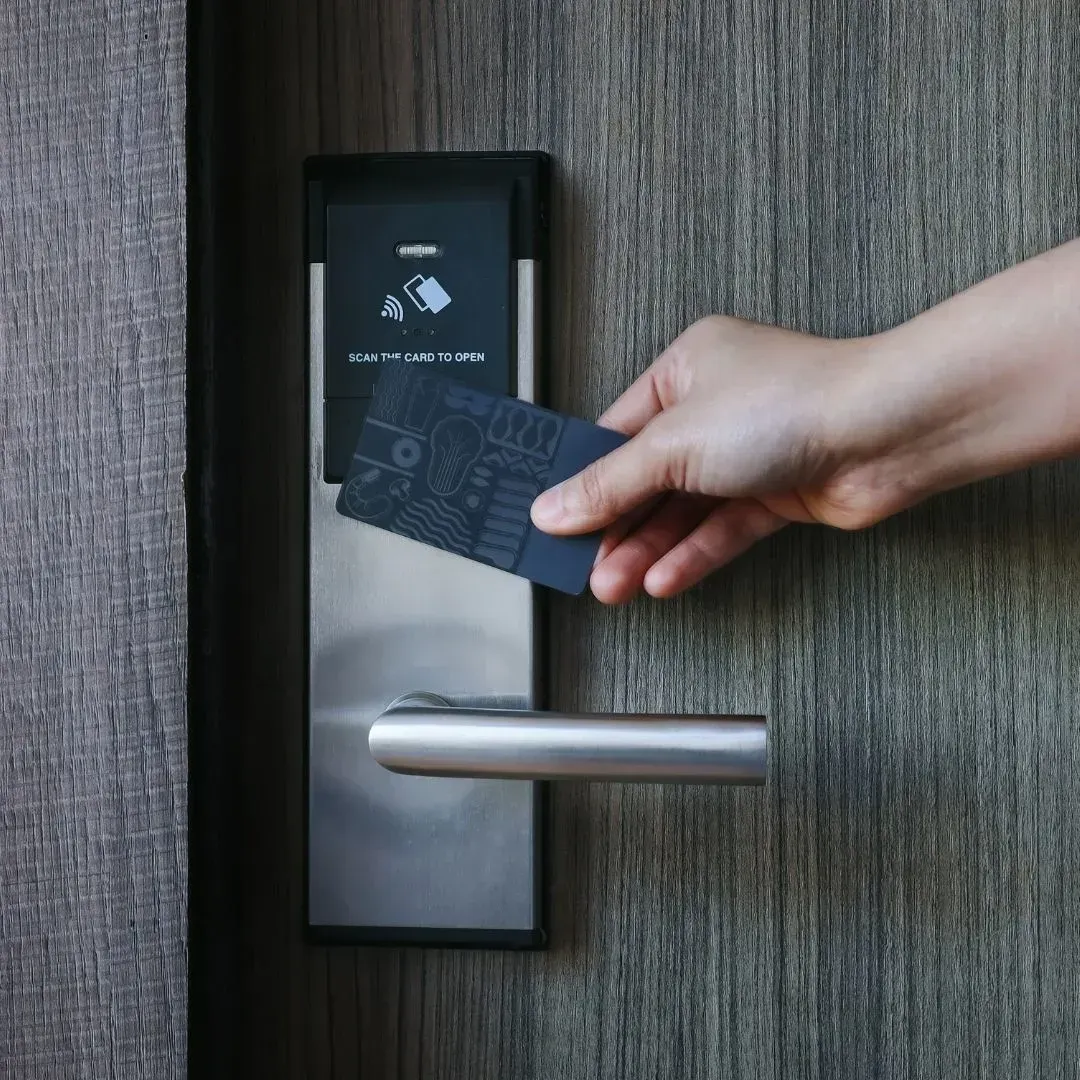
A smart lock uses an electronic credential. A biometric lock recognizes a physical feature such as a fingerprint or facial profile. Some models combine several entry methods.
| Lock Type | How You Enter | Best For |
|---|---|---|
| Keypad lock | PIN code | Families and guests |
| App-controlled lock | Smartphone | Remote access and alerts |
| Fingerprint lock | Enrolled fingerprint | Fast daily entry |
| Facial recognition lock | Enrolled facial profile | Hands-free access |
| Hybrid smart lock | Several methods | Flexible households |
Biometric entry is convenient because you cannot forget your fingerprint at work. Still, no lock or connected device is impossible to defeat.
Choose a reputable product and keep another secure way to enter. A backup key or emergency power option can help when batteries fail or the electronic system does not respond.
Which Smart Lock Features Actually Matter?
The newest lock is not always the right lock for your home. Focus on the features you will use and the support needed to keep the device working.
Before buying, check:
- Door Compatibility: Confirm the door thickness, backset, bore hole, and handing.
- Backup Entry: Look for a keyway, external battery contact, or another recovery option.
- User Controls: Make sure codes are easy to add and remove.
- Update Support: Connected locks should receive firmware and app updates.
- Weather Suitability: Exterior hardware should be rated for heat and moisture.
- Account Protection: Use a unique password and two-factor authentication when available.
The National Institute of Standards and Technology recommends
automatic updates and strong home-network protection for smart devices. The Federal Trade Commission also advises homeowners to replace default passwords, enable two-factor authentication, and keep device software current.
What Happens During Professional Smart Lock Installation?
Professional installation makes sure the electronic features and mechanical parts work together. A lock may have an excellent app and still fail if the deadbolt rubs against the strike plate.
A typical visit includes:
- Inspecting the door, frame, hinges, deadbolt, and strike plate
- Confirming that the selected lock fits
- Removing the old hardware
- Installing and aligning the new lock
- Connecting the app or hub when needed
- Creating codes or enrolling users
- Testing each entry method
- Explaining batteries and backup entry
This walkthrough helps every household member understand the system before the locksmith leaves.
Professional
lock installation also reduces the risk of jamming, error messages, and unnecessary battery drain caused by poor alignment.
Should You Rekey Your Locks or Upgrade Them?
Rekeying is usually better when the hardware works well and you only need old keys to stop working. An upgrade makes more sense when you want keyless access, separate user credentials, or entry notifications.
| Rekey when... | Upgrade when... |
|---|---|
| You recently moved | You want keyless entry |
| A key was lost or not returned | Several people need separate access |
| The hardware is in good condition | You want temporary codes |
| You prefer a mechanical lock | You want alerts or access history |
Rekeying changes the lock so previous keys no longer operate it. It does not repair damaged hardware or add electronic features. Learn more about professional rekey lock services.
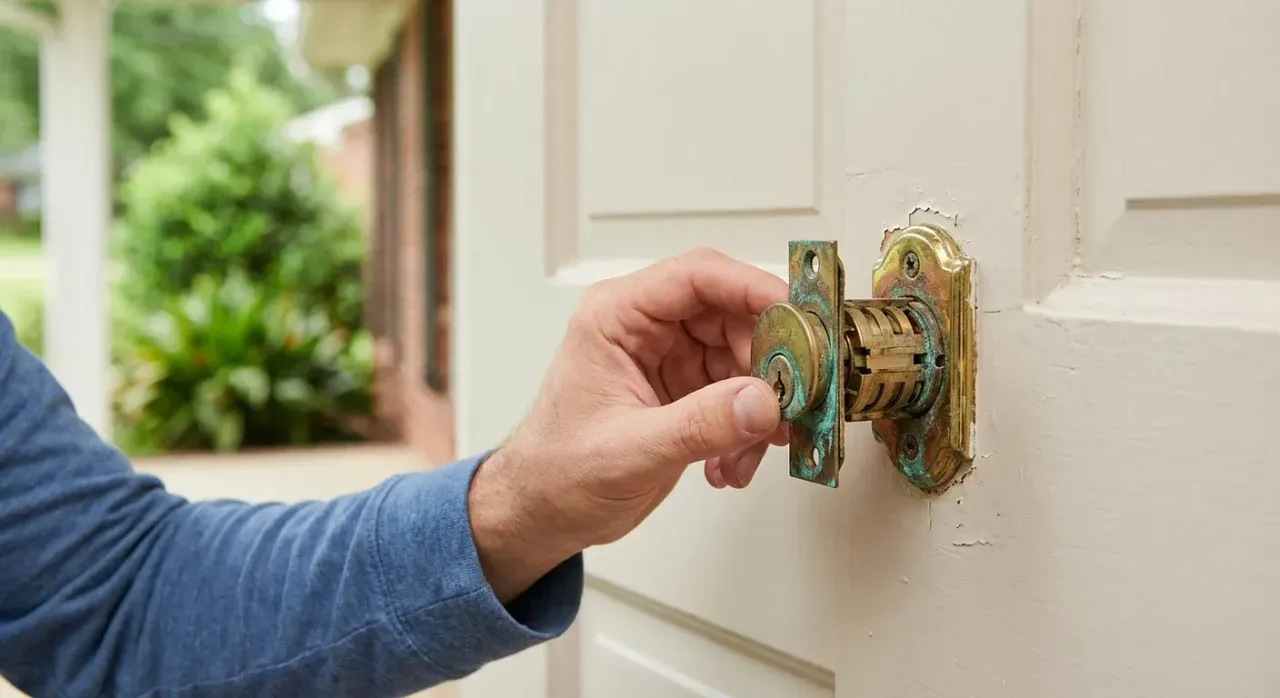
If the deadbolt is loose, corroded, or difficult to turn, replacement may be safer. Review the
signs it is time to replace your door locks before adding new technology to worn hardware.
How Montgomery Heat and Humidity Affect Smart Locks
Montgomery’s heat and humidity can affect the door around the lock as much as the device itself. Wooden doors may absorb moisture, swell, and move the deadbolt out of line with the strike plate.
Watch for:
- A bolt that works with the door open but sticks when closed
- A door you must push or pull before locking
- A strained smart-lock motor
- Fast battery drain
- Inconsistent keypad or fingerprint response
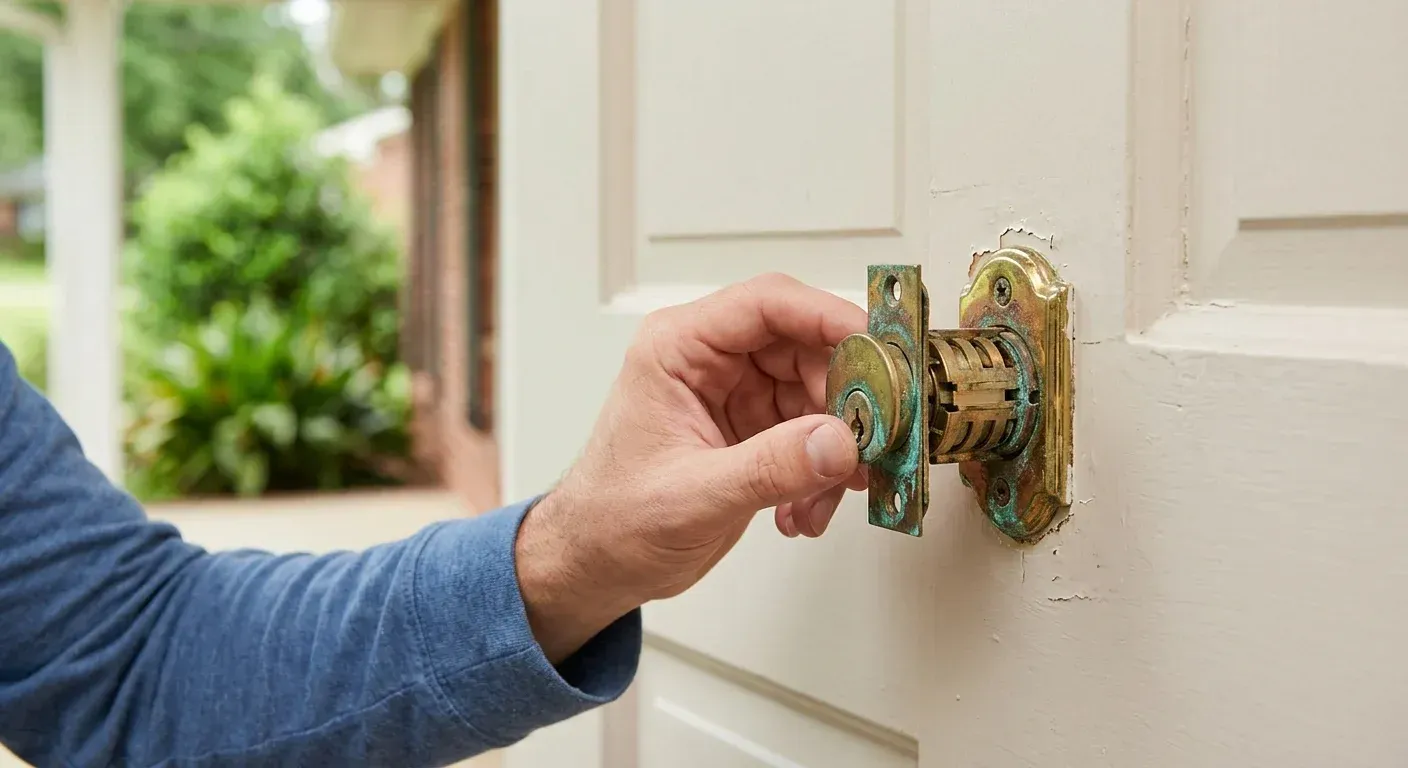
- Rust or moisture around the hardware
A struggling smart lock is not always defective. Sometimes the door has shifted enough to make the motor work harder.
Choose a model rated for the installation location. Check its temperature range, moisture guidance, door requirements, and battery recommendations before buying.
Our guide to
Alabama humidity and door-lock damage explains how local weather affects both mechanical and electronic locks.
How Can You Keep a Smart Lock Secure?
A smart lock needs basic digital maintenance along with normal door care. Use a unique account password, turn on two-factor authentication, and install available updates.
Give each person a separate code instead of sharing one household code. This makes it easier to remove one person’s access without changing the codes used by everyone else.
Test the backup entry method before an emergency. Replace batteries after the low-power warning instead of waiting for the lock to stop responding.
Also watch the door itself. Tighten loose hardware and schedule service if the bolt begins to drag.
FAQs About Smart and Biometric Locks
Can a smart lock be hacked?
Any connected device may carry cybersecurity risks, so no smart lock is unhackable. Reduce the risk by choosing a supported product, using a unique password, enabling two-factor authentication, and keeping the firmware and app updated.
What happens if the battery dies?
Most smart locks provide low-battery warnings. Depending on the model, you may also have a backup key, emergency power contact, or another recovery method.
Will a smart lock fit my existing door?
Many models fit standard deadbolt openings, but compatibility is not guaranteed. Door thickness, backset, bore size, handing, and frame alignment should be checked before installation.
Can I install a smart lock myself?
Some basic models support DIY installation. Professional help is useful when the door sticks, the bolt is misaligned, the frame is damaged, or several users need to be set up.
Are fingerprint locks reliable outdoors?
They can be reliable when the model is approved for exterior use and installed correctly. Weather, dirty sensors, and poor alignment can affect performance, so keep a backup entry option available.
Talk With a Residential Locksmith in Montgomery
A smart lock should make daily life easier without creating new worries. The right system will fit your door, give your family practical access options, and remain manageable when batteries run low.
About Time Locksmith provides residential lock installation, rekeying, repair, and replacement in Montgomery, Prattville, and Wetumpka. Call
(334) 868-5628 to speak with a residential locksmith in Montgomery about a smart lock or biometric upgrade for your home.
SHARE THIS ARTICLE
RECENT ARTICLES